For class schedules, shifts, team calendars and more
Your whole schedule in your calendar. Without typing it in.
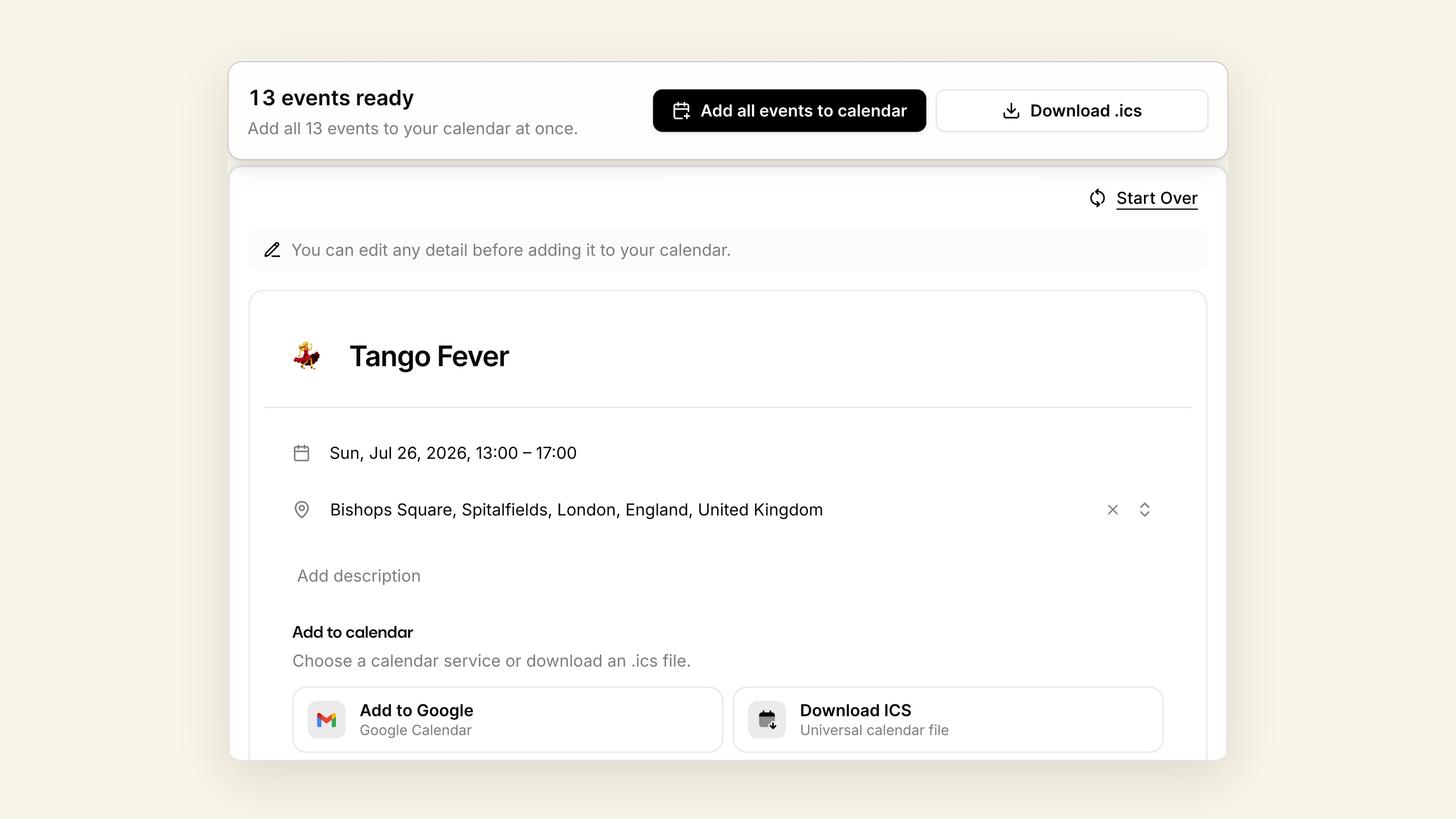
Snap a photo of a class schedule, your shifts or a season of games, or paste the text. Every event comes back filled in and ready to add to Google, Apple or Outlook.
Free to try. No signup. No credit card.
- Snap a schedule
- Paste the text
- Type a plan
- Add to your calendar
Try it now, free
Drop in your schedule.
Upload a photo or screenshot, paste the text, or just type a plan. You'll see every event before anything touches your calendar.
Drag & drop files, paste images or text, or
Supports images from your phone or computer. You can also paste content directly here.
Quick tips
Upload a photo or screenshot of a class schedule, shift list or game schedule.
Paste a syllabus or a long list. Every date becomes its own event.
Just one plan? Type it: ‘Coffee with Sam next Friday at 10.’
Why it’s easier
All the calendar typing, done for you.
Your whole schedule from one photo.
Class schedules, syllabus deadlines, practice and game lists, work shifts. Every date and time becomes its own event, and weekly classes repeat all term.
Check everything before it’s added.
See every event first and change anything by hand. On paid plans, just say ‘move all practices to 6pm’.
Works with the calendar you already use.
Add to Google Calendar, Apple Calendar or Outlook, or download one file with every event in it.
How it works
Your whole schedule in your calendar in 3 steps
Snap it or paste it
Take a photo or screenshot of the schedule, or paste the text. One quick plan works too.
Check it
Every event shows up with its date, time and details filled in. Weekly classes come out as repeating events. Fix anything before it’s added.
Add it
Add them to Google Calendar, Apple Calendar or Outlook, or download one file with every event.
Who it’s for
Why students, teams and shift workers use Just Schedule Me
Students
Your whole term, set up before the first class.
Snap your class schedule and paste your syllabus. Every class repeats weekly and every deadline gets its own event.
Teams and sports families
The whole season, not just this week.
Photo of the practice and game schedule in, every session and game out, with the times and places from the schedule.
Shift workers
New schedule posted? Snap it.
Every shift becomes its own event, so you’re not copying times off a photo one by one.
Everything else
One quick plan works too.
Paste an invitation, a booking email or a message, or just type ‘dentist Tuesday at 3’.
A plan that fits
Simple pricing
Start free. Paid plans coming soon.
Lifetime
Best valuePay once. Skip the subscription.
- Unlimited scans, for life
- Photos, screenshots and pasted text
- Edit events by chat
- Add to Google, Apple and Outlook
- All future features included
Free
Try it on your next schedule.
- 3 scans a month, 5 with a free account
- One scan covers a whole schedule
- Check and edit every event
- Add to Google, Apple and Outlook
Monthly
Billed monthly. Cancel anytime.
- Unlimited scans
- Photos, screenshots and pasted text
- Edit events by chat
- Add to Google, Apple and Outlook
Annual
Save 69% vs monthly$0.93/mo, billed yearly.
- Unlimited scans
- Photos, screenshots and pasted text
- Edit events by chat
- Add to Google, Apple and Outlook